> For the complete documentation index, see [llms.txt](https://docs.mercuri.cx/llms.txt). Markdown versions of documentation pages are available by appending `.md` to page URLs; this page is available as [Markdown](https://docs.mercuri.cx/features/sms-opt-in-form/integrating-sms-opt-in-with-your-shopify-store.md).
# Integrating SMS Opt-In with Your Shopify Store
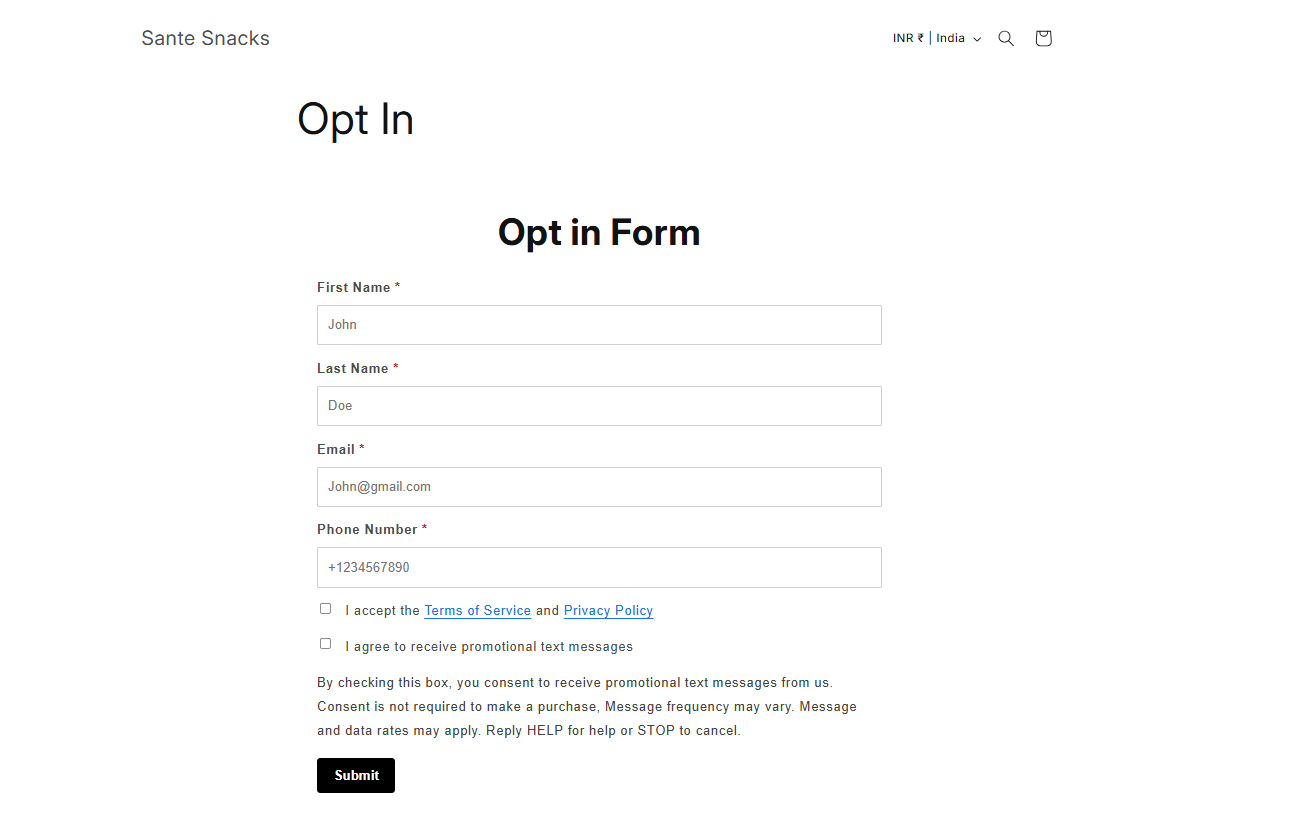
Once you submit the form for TFN approval, Mercuri will automatically push the following three pages to your website:
1. **Opt-in Form** – Allows users to provide their consent and sign up.
2. **Terms & Conditions** – Outlines the rules and guidelines for using your services.
3. **Privacy Policy** – Details how user data is collected, used, and protected.
These pages are deployed seamlessly to ensure compliance and a smooth user experience.